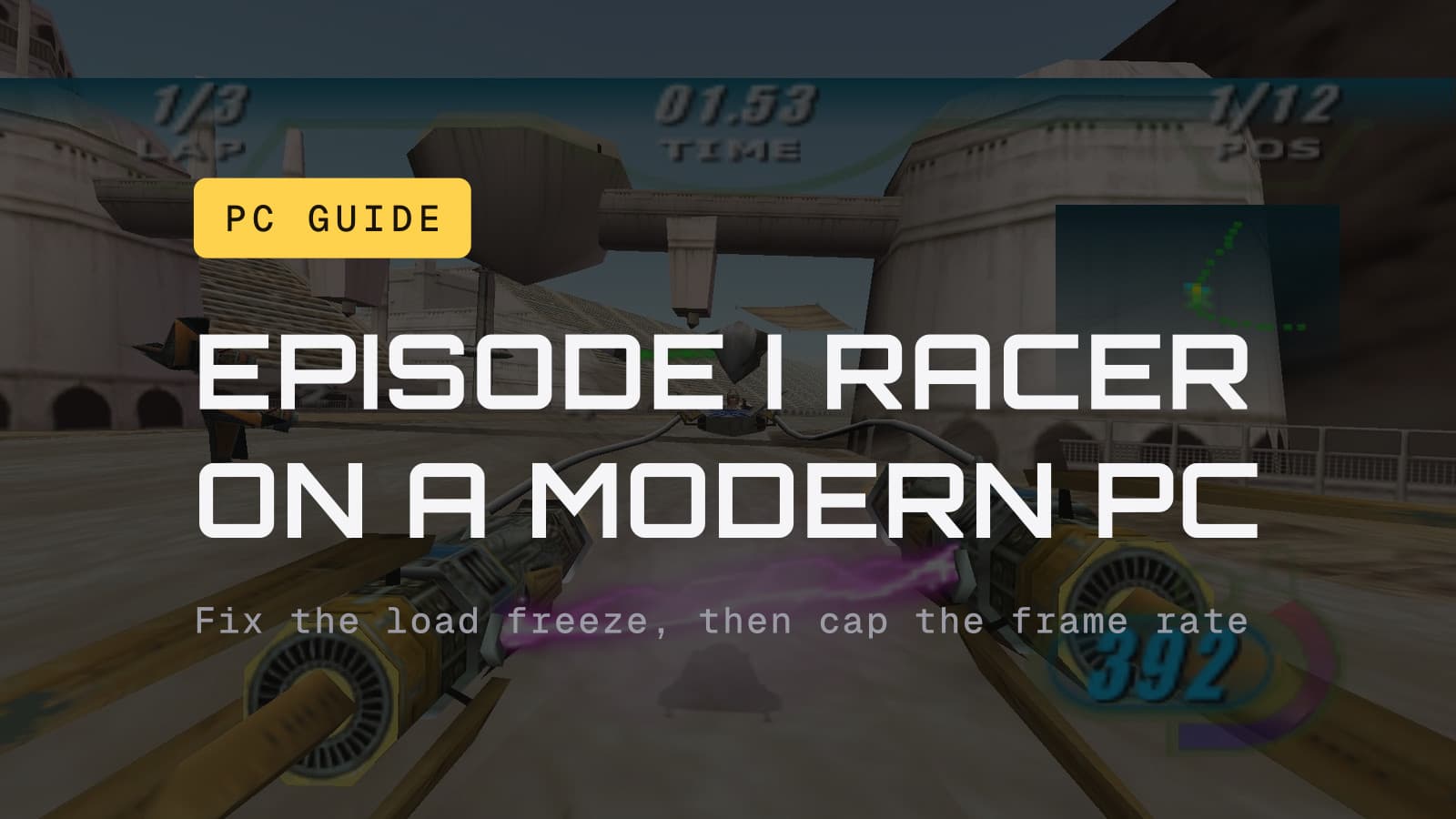
Buy Episode I Racer on GOG, where it was $3.49 as of September 27 against $9.99 on Steam, then install MrGameFixer's launcher, a free community tool that adds proper widescreen, a corrected field of view, controller support and an automatic frame cap. Most copies start and run on Windows 11 with no help at all. If yours freezes partway through loading, the fix is one DLL, covered first below.
Racer sits at number six in our best Star Wars games of the 1990s, and it is still the podracing game people mean when they say "podracing game." On PC, it is also still the 1999 build. That shapes everything in this guide.
The 2020 remaster never came to PC
Aspyr's 2020 version, with achievements, a cheat menu and motion controls on Switch, came out on Switch and PS4 in June 2020 and on Xbox One in October 2020. It was never released on PC, and Aspyr's own product page lists only those three consoles.
What you buy on PC is the original Windows release from May 1999, which only ever supported Direct3D 6, wrapped so it runs on current Windows. GOG started selling it in May 2018 and Steam followed in November 2018. Both stores ship it pre-patched with a wrapper that translates the game's old DirectDraw calls to DirectX 9, and PCGamingWiki reports both install on 64-bit Windows without trouble. Nobody needs to touch a 1999 disc.
GOG or Steam
Same game, same wrapper. The differences:
- GOG: $3.49 as of September 27, down from $9.99. That is a sale price, and sales end, so check the store page before you count on it. GOG's page noted it had been $3.99 at some point in the previous 30 days, so it drops this low fairly often. The copy is DRM-free and bundles IPXWrapper for LAN play. GOG asks you to accept Disney's Terms of Use to buy it.
- Steam: $9.99, no discount as of September 27. Reviews sit at Very Positive (84% of 1,456). Steam Cloud keeps your saves, the Steam build can navigate its menus with a gamepad, and it is the copy to get if you play on a Steam Deck.
On a Windows PC, GOG at that price is the easy call. Our guide to where to buy old Star Wars games covers the rest of the back catalog the same way.
If you would rather not run a 1999 PC game at all, the Aspyr version is $14.99 on PS4 and Switch.
The fixes, in the order you are likely to need them
1. The game freezes or quits while loading (Windows 10 and 11)
This is the one that stops people cold: the loading bar gets somewhere between 20 and 50 percent, then the game hangs or closes. It comes from the way the game scans your USB devices for joysticks at startup. Wheels, hubs and RGB gear can all register as joysticks.
The fix confirmed by several players in a 2022 Steam discussion thread is a small community DLL:
- Download riverar's IndirectInput (the file is
dinput_0.1_win10_x86.zip; the thread links it). - Extract
dinput.dlland put it in the game folder, next toSWEP1RCR.EXE. - Launch normally.
The other confirmed fix is to unplug the extra USB devices before you launch. For the player who started that thread, compatibility mode did nothing, and neither did dgVoodoo 2.78, so skip both for this problem.
2. Widescreen, field of view and the frame cap: install the launcher
Out of the box, the game's widescreen is a 4:3 image stretched to fit, and ultrawide or 4K need a patched executable. The answer for almost everyone is SWE1R MrGameFixer's Launcher, a free community tool that PCGamingWiki lists under essential improvements for the game. It handles:
- Automatic widescreen with the field of view and aspect ratio corrected.
- An automatic frame cap (see the next section for why that matters).
- Field of view changes on the fly.
- Better controller support, plus rumble, difficulty and cheat options.
- Optional visual extras, like energy binders and engine exhaust, and a rebuilt intro and opening crawl.
If you install one thing, make it this.
If all you want is a different resolution and nothing else, the game reads
its display width and height from the registry, under
HKLM\SOFTWARE\WOW6432Node\LucasArts Entertainment Company LLC\Star Wars: Episode I Racer\v1.0
on 64-bit Windows. The launcher is less fiddly.
3. The physics break at high frame rates, so cap it
PCGamingWiki says the game's physics were built around a low, fixed frame rate. Speedrun guides back that up: above 30 fps, things start to break, and players on GOG's forum report the slide mechanic failing at 60. The GOG build has no cap of its own; PCGamingWiki clocked it at over 440 fps.
So cap it. MrGameFixer's launcher does this for you, which is half the reason to install it. Without the launcher, forcing vsync with the monitor set to 60 Hz is the blunt version, and it still leaves you above the 30 fps line. The speedrunning community plays the PC version at 24 fps, which tells you how seriously the people who know this game take it.
4. Ultrawide, 4K, or a black screen: WineHooks
WineHooks is another community patch PCGamingWiki documents. It forces your desktop resolution (pillarboxed), supports ultrawide and 4K, switches the game to 32-bit color, improves XInput controller handling, and fixes two rendering bugs: z-fighting, where surfaces flicker through each other, and a black-screen bug caused by the game's depth buffer that leaves it unplayable. It also gets the original installer running on 64-bit Windows.
5. Flickering surfaces without WineHooks: dgVoodoo 2
If you would rather use a general-purpose wrapper, dgVoodoo 2 fixes the same depth buffer problem, per PCGamingWiki. You need version 2.55.1 or newer.
- On the GOG release, rename the bundled
DDraw.dlltoDDraw.dll.BAK. - Copy dgVoodoo's
D3DImm.dllandDDraw.dllinto the game folder. - In
dgVoodoo.conf, setDepthBuffersBitDepth = forcemin24bit.
You do not need dgVoodoo just to launch the GOG or Steam build. It is only for the depth buffer fix, or for the retail disc.
6. Do not bother with nGlide
Plenty of old-game advice tells you to install nGlide, a Glide wrapper. It does nothing here: the PC version shipped with Direct3D support only. The developers tested Glide and OpenGL during development and, per Wikipedia's history of the game, saw no performance gain from either.
Smaller fixes
- "No sound card detected": run the game as administrator once.
- Skip the intros: add
-ito the launch options. - You have the 1999 disc: its installer fails on 64-bit Windows. PCGamingWiki points to a replacement installer by Markus Egger. Given the GOG price as of September 27, buying it again is the less painful route.
Controllers
The game's joystick bindings carry over to a gamepad, and the Steam build will let you drive the menus with one. The GOG copy ships with blank bindings. Your options, easiest first:
- MrGameFixer's launcher adds enhanced controller support, so try it before anything else.
- A ready-made map file. Retro Renew's guide offers a preconfigured
current_control.mapfor Xbox pads that goes indata\config\current. - XInput Plus, for triggers and the D-pad. PCGamingWiki's recipe uses
version 4.14.3 pointed at
SWEP1RCR.EXE, with the right stick on the Z axis and the triggers on buttons 11 and 12. It says the controller will not be detected with version 4.15, so stay on 4.14.3.
One PC-only perk: speedrunners map boost to its own button on PC, which the console versions do not allow.
Steam Deck
Valve rates the Steam version Playable. The flags on Valve's report: the default controller setup does not fully work, the on-screen glyphs do not match the Deck's buttons, the keyboard does not pop up on its own, the game does not default to the Deck's native resolution, and there are minor audio issues that do not stop play. Text is legible and it runs well on the default settings. PCGamingWiki has a full Linux and Deck recipe if you want to go further. Racer sits with the rest of the catalog in our Steam Deck roundup.
What about OpenSWE1R?
OpenSWE1R is an open-source project to rebuild the PC game, much as OpenRCT2 did for RollerCoaster Tycoon. It still relies on the original game's executable and files, and by its own description not every function is implemented. Its code repository last received a code change in January 2020. It is an interesting project, and it is dormant. It is not a way to play Racer today; the store version with the launcher is.
What we would do
Buy the GOG copy while it is cheap, install MrGameFixer's launcher, and race. If the game hangs on the loading bar, drop in the IndirectInput DLL or unplug your extra USB gear. Reach for WineHooks or dgVoodoo only if you hit the flicker or the black screen. On a Deck, buy it on Steam and expect to spend a minute on controls.
The Episode I Racer hub collects everything we have on the game. The next Star Wars racing game, Galactic Racer, arrives October 6, and our preorder guide has what you need before launch.
The details
- Prices and review counts are from the GOG, Steam, PlayStation Store and Nintendo eShop pages as of September 27, 2026. GOG's $3.49 is a sale price and will change.
- Release history, the store wrappers, the widescreen, frame rate, WineHooks, dgVoodoo, controller and Steam Deck recipe notes come from PCGamingWiki's page for the game (last revised August 2026). PCGamingWiki marks its 24 fps physics claim as needing a citation; the speedrun guides support the safer version we use here, that things break above 30 fps.
- The load freeze fixes come from the Steam discussion thread linked above (January and February 2022). The sound card fix and map file come from Retro Renew's guide to the game.
- The Direct3D-only detail and the console release dates come from Wikipedia's article on the game and Aspyr's product page. The Steam Deck rating is Valve's own compatibility report.
- We have not run every fix here on our own machine. When we do, anything it contradicts gets corrected in the article, visibly.