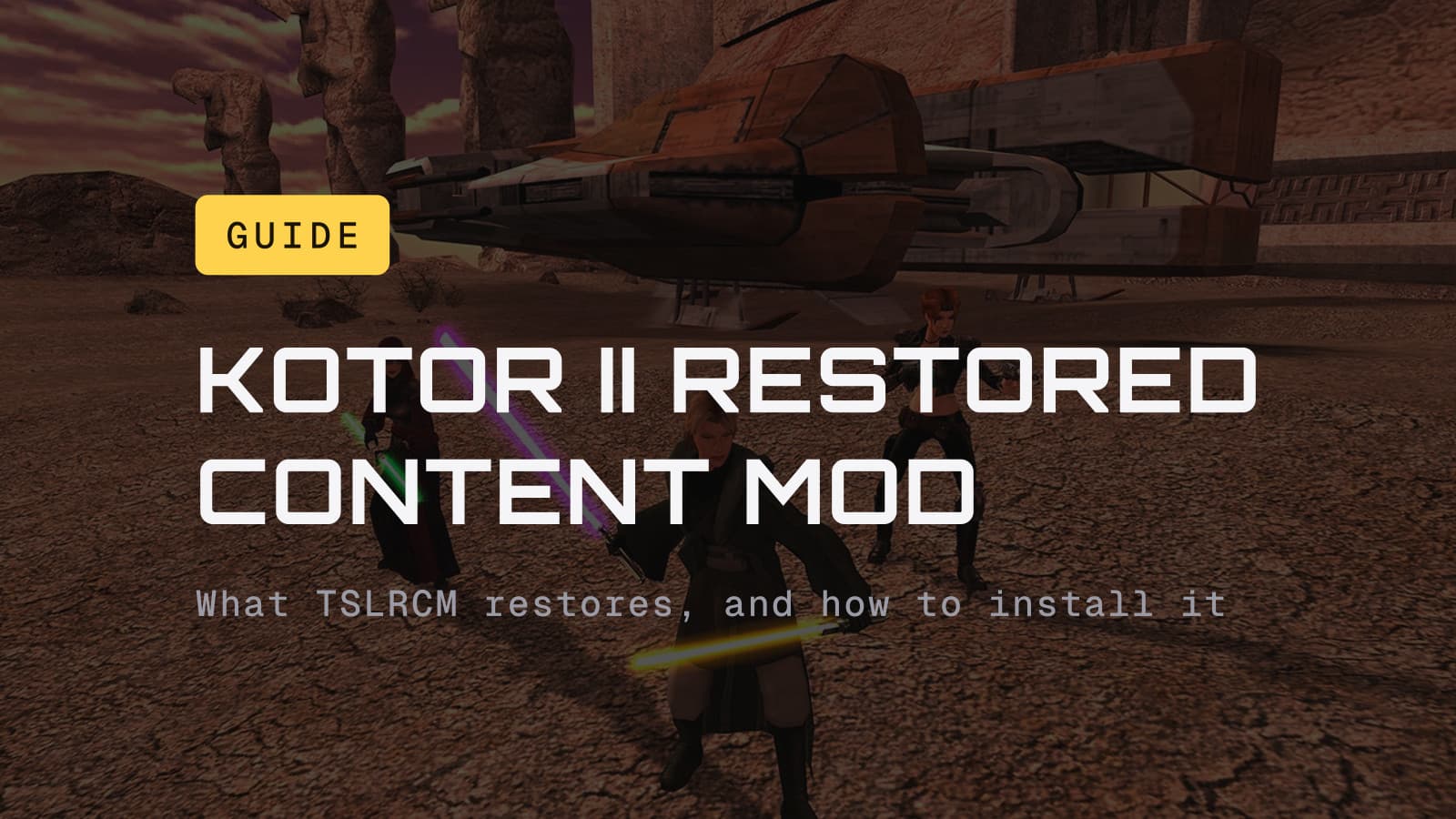
Install it, including on a first playthrough. The Sith Lords Restored Content Mod (TSLRCM) is free, its current version is 1.8.6, and it turns Obsidian's rushed 2004 ending into one that makes sense. If TSLRCM is the only mod you want, subscribe to it on the Steam Workshop and you are done in a minute. If you plan to add anything else, skip the Workshop and use the installer from Deadly Stream on a clean copy of the game. The droid planet people remember is a separate mod, M4-78EP, and you can leave it for a second run.
What TSLRCM actually is
KOTOR II shipped on Xbox in December 2004 with whole sections cut or left half-wired, because it had to make the holiday release window. Much of the content stayed in the game files. TSLRCM is a fan project, led by modders zbyl2 and DarthStoney with a team including Hassat Hunter and VarsityPuppet, that entered open beta in September 2009 and has been patched ever since. Version 1.8.6 is the current one on Deadly Stream, the KOTOR modding community's home, dated August 23, 2022.
What it changes, per the mod's own page and readme:
- Over 500 bug fixes. Broken dialogue trees, quests that could not be finished, items and combat glitches. Some "restored" content was never cut at all: the Corrun Falt quest, for one, was simply blocked by bugs.
- The HK-50 factory. A section where you play as HK-47 through a plant building his replacements. Wikipedia's write-up puts it at close to two hours.
- A rebuilt ending on Malachor V. In the retail game you walk the finale mostly alone and the story frays. With TSLRCM your party is part of it, including a restored fight between Atton and Darth Sion, with cutscenes and dialogue that tie the companion arcs off.
- Hundreds of smaller restorations. Lines, scenes and animations across every planet, down to persuasion animations and a sparring fix for Visas that arrived in 1.8.5.
It does not add the droid planet. That is next.
M4-78 is a separate mod
M4-78, the "droid planet," was also cut from KOTOR II, but far less of it survived in the files. The same team built it out as the M4-78 Enhancement Project (M4-78EP), currently version 1.5 from January 2022. Its page describes seven locations, over two hours of play and around 1,000 voiced lines, and it becomes reachable after Korriban. It mixes Obsidian's leftover material with the team's own work, so treat it as a fan expansion rather than a restoration.
Two things to know before adding it:
- It requires TSLRCM. The page is blunt: M4-78EP "will NOT work AT ALL without TSLRCM," and it needs 1.8.5 or later.
- The community's recommended mod build leaves it out. The KOTOR Community Portal's KOTOR II build, last updated September 16, 2026, tells players not to use any version of M4-78 alongside it. Player comments on the mod's page also report broken conversations and a droid quest that can lose a key item. Our take: skip it on a first run, try it on a second.
Do you still need it after the 2015 Aspyr update?
Yes. In July 2015 Aspyr pushed a free update to the Steam version that added native widescreen resolutions up to 4K and 5K, controller support, achievements, cloud saves, Mac and Linux builds, and Steam Workshop support. Aspyr worked with the TSLRCM team so the mod was on the Workshop the day the update landed.
What the update did not do is put the restored content into the game. The base game on Steam and GOG is still Obsidian's 2004 cut. The Workshop only made the mod a click away, which is why it passed 400,000 Workshop subscribers by 2019. The Community Portal lists Steam, GOG and the Mac App Store versions as carrying the Aspyr patch.
On consoles the answer is worse. Aspyr announced TSLRCM as free DLC for the 2022 Switch port and cancelled it in June 2023; reporting in December 2025, based on court documents from the class action that followed, said Disney's lawyers had blocked it. There is no restored content on Switch. On iOS and Android there is a community port, the Mobile Restored Content Mod, on Deadly Stream.
How to install it on Steam: the Workshop route
Use this if TSLRCM is the only mod you want.
- Open KOTOR II's page in your Steam library, go to the Workshop, and subscribe to TSLRCM. If you play in a language other than English, pick the upload that matches it.
- Let Steam download it, launch the game, and check the main menu for the Restored Content Modification version text.
- Start a new game. Saves from the unmodded game are not compatible.
That is the whole process, and the mod's own readme recommends it for Steam users, with a condition in capitals: "ONLY IF YOU DON'T PLAN ON USING ANY OTHER MODS." The readme adds that Workshop mods cannot guarantee compatibility with each other, and the KOTOR Community Portal says forgotten Workshop subscriptions turn up in its tech-support requests several times a month.
Check you are not already subscribed
If you are switching to the installer route, unsubscribe first. In your library, right-click KOTOR II, open Properties, then the Workshop tab, and confirm the list is empty. The Community Portal says it regularly sees players who swear they are not subscribed to anything and turn out to have subscribed to TSLRCM years ago.
How to install it on GOG, disc, or Steam with other mods
This is the route for GOG owners and for anyone building a modded game.
- Start from a clean install. Uninstall, delete whatever is left in the game folder, and reinstall. This matters most if an older TSLRCM (1.8.2 or earlier) was ever on this copy; the readme says to reinstall in that case.
- Disc copies only: apply the official 1.0b patch first. Steam and GOG copies are already patched.
- Download TSLRCM 1.8.6 from Deadly Stream (about 132 MB), extract it fully, and run the installer from the extracted folder, never from inside the archive.
- Point the installer at the game's main folder, the one containing
swkotor2.exe. On Steam that is usuallysteamapps\common\Knights of the Old Republic II; on GOG, the default isC:\GOG Games\Star Wars - KotOR2. The readme warns in capitals not to install into theOverridefolder, or the game will crash. - Launch, check the version text on the main menu, and start a new game.
Install TSLRCM first. Nearly every other KOTOR II mod expects it to be there, and the community build lists it at the top for that reason.
Compatibility with widescreen and other mods
Widescreen: on Steam and GOG you already have it, through the Aspyr patch, and TSLRCM 1.8.5 fixed the graphical glitches cutscenes used to show at widescreen resolutions. The Community Portal's advice is that without the Aspyr patch, you cannot apply widescreen safely. The patch does break a few things of its own, fog and reflections among them; the community's fix is the 3C-FD Patcher on Deadly Stream, which restores both and works on the Steam and GOG versions.
Mods TSLRCM's readme lists as compatible, with conditions: M4-78EP, the Game Balance Mod (its autobalance file only), and Handmaiden Choice for Females with its patch.
Mods it lists as incompatible: the Ultimate Saber Mod, which the readme says causes most of the issues people report ("DON'T!", in its words), TSL Un-Restored Content, and Ravager Rewrite 2.0.
For anything past that, the KOTOR Community Portal's spoiler-free KOTOR II mod build is the order to follow. It is maintained, it says what conflicts with what, and it assumes TSLRCM installed by hand.
Known issues
- Crashes on cutscenes after a loading screen, mostly on Nvidia RTX 20-series
cards and newer, according to the Community Portal. Its suggested fixes: turn
off the Discord and Steam overlays, change the low-latency setting in the
Nvidia control panel, or run the game windowed by setting
Fullscreen=0and addingAllowWindowedMode=1inswkotor2.ini. - Rare crashes on load. Turn off Frame Buffer Effects and Soft Shadows in the advanced graphics options.
- Dialogue skipping, where one click registers as two and skips a line. The Portal says the Aspyr patch can cause or worsen it; TSLRCM is not the culprit.
- The version text can read 1.8.5 on a 1.8.6 install, according to player comments on the mod page. It is a label, not a failed install.
- Old saves do not carry over. Saves from the unmodded game or TSLRCM 1.8.2 and earlier are incompatible; plan on a fresh start.
Installer will not finish on a multi-monitor PC?
The Community Portal notes the patcher used by many KOTOR mods does not always work with more than one monitor connected. Disable the second display while installing.
Should a first-time player use it?
Yes. The usual argument against restored-content mods is that a first run should be the game as shipped. That argument does not hold for KOTOR II, because what shipped was unfinished. TSLRCM mostly fixes things and fills gaps the story already points at; it does not rewrite characters or add fan material to the main campaign. The ending in particular is the one Obsidian was working toward, and the retail version is the part of KOTOR II players complain about most.
So: TSLRCM on the first run, M4-78EP on the second if you want more. If you have not played the first game, start there; our is KOTOR worth playing in 2026 guide covers the version to buy and its own bug-fix mod, and the KOTOR planet order guide covers the route. KOTOR II is the $9.99 sequel on the same stores, and with TSLRCM it earns second place in our ranking of the best Star Wars RPGs.