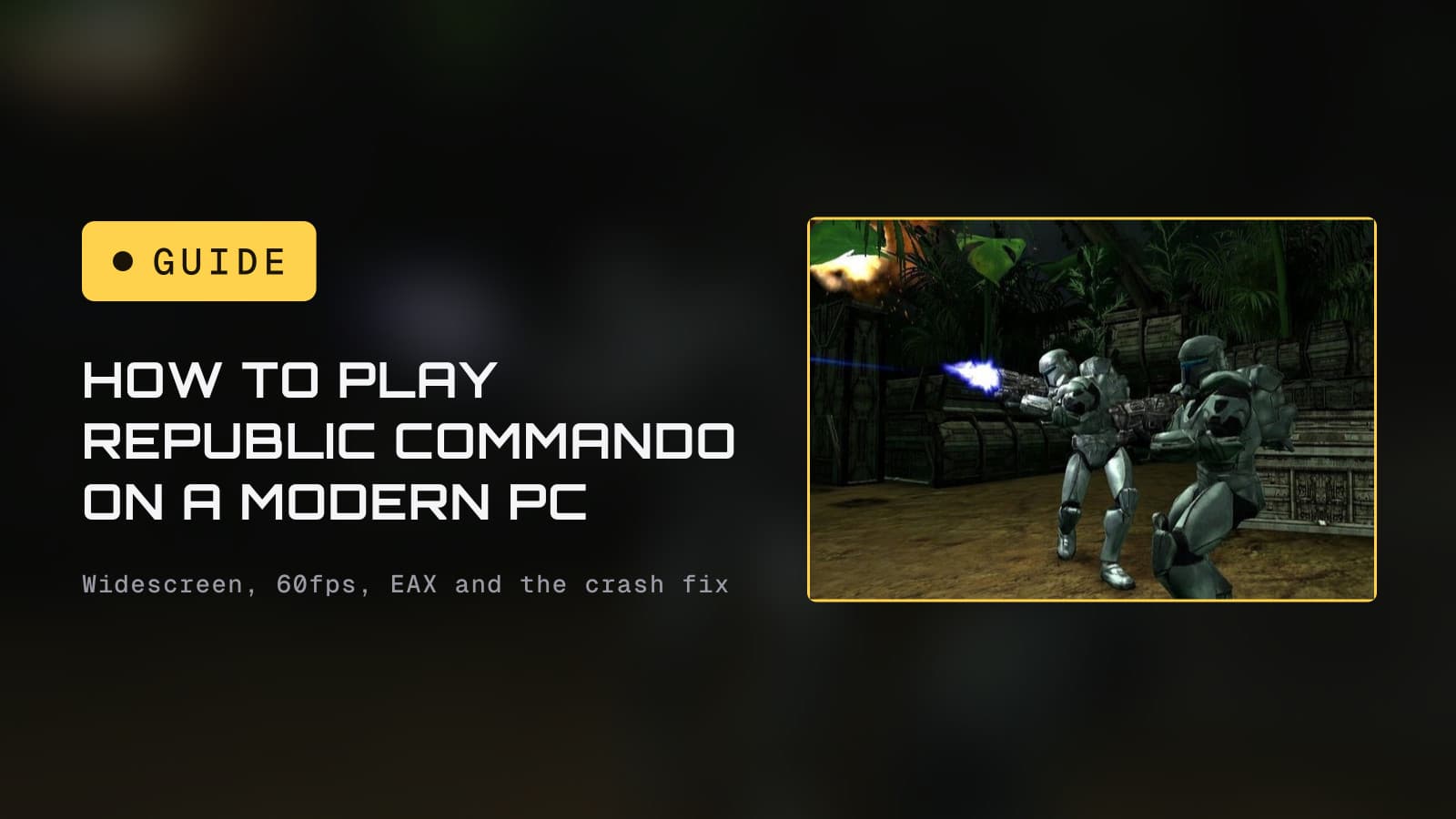
Buy Republic Commando for $9.99 on GOG or Steam, drop the free Republic
Commando Fix into the game's GameData\System folder, and set the frame
limit to 60. That one mod gives you real widescreen and 4K resolutions, a
proper field of view, a frame cap that stops the menus and the helmet shake
going haywire, and the fix for the bump-mapping crash that kills the game on
level load. Audio and controller support are separate jobs, both covered
below. If you would rather not touch a single file, the 2021 console ports
exist for exactly you.
Republic Commando is the one we keep telling people they missed: it sits at number seven in our best Star Wars games of the 2000s, and it holds up better than anything else LucasArts shipped in 2005. What does not hold up is its relationship with a modern graphics card. Here is the fix list, by symptom.
What you are actually buying
- GOG, $9.99. DRM-free, so the executable runs without a launcher. Multiplayer asks for a CD key, and GOG shows yours on the game's library entry. No cloud saves through GOG Galaxy.
- Steam, $9.99. Needs the Steam client running even if you launch the exe from the game folder. Steam Cloud keeps your saves.
- Console, the no-fuss route. Aspyr's port landed on PS4 and Switch on April 6, 2021, for $14.99, and the PS4 version plays on a PS5. It is controller-native and needs no fixes, but it is single-player only: the multiplayer did not make the trip, the same trade Aspyr made with its 2019 Jedi Outcast port. The original Xbox release is also backward compatible on Xbox One and Series X|S, and has been since April 2018.
Both PC versions are the same patched build with the Hangar multiplayer map included, so the fixes below apply to either. If you are choosing between them, GOG's lack of a launcher requirement makes modding slightly less fiddly; Steam wins on cloud saves and the Deck.
The one mod that fixes most of it
The Republic Commando Fix is a community project, open source and free, that has been maintained since 2020. The current release is 2.15, from July 29, 2026. What it does:
- Adds widescreen resolutions up to 4K to the game's own menu.
- Sets the field of view automatically from your aspect ratio (the default since version 2.9), with a manual FOV slider if you want to tune it.
- Adds a frame rate limit, 60 by default since version 2.10.
- Fixes the bump-mapping crash and the visual artifacts on characters that come with it, on AMD, Intel and NVIDIA cards.
- Adds a slider for the view shake, from 0 (none) to 1 (vanilla).
- Points the multiplayer server browser at the OpenSpy community master server, since the original GameSpy service is long gone.
How to install it:
- Download the latest release from the project's GitHub releases page (search "Republic Commando Fix" or "SWRC-Modding CT").
- Extract everything into
GameData\Systeminside your install folder, allowing it to overwriteSystem.ini. - Launch the game the normal way. The fix loads from the default executable
with the modified
System.ini; the includedCT.exealso loads it and adds some console commands, but you do not need it. - In the options, pick your native resolution and leave the FOV on Auto unless it feels off.
Why this mod and not a pile of tweaks
Nearly every older guide for this game has you editing .ini files and
hex-editing Engine.u to change the field of view. That still works, but
the fix does the same job from the menu and does not modify the game's
packages, so multiplayer is unaffected. We only list the manual edits below
for people who cannot use it.
Fixes by symptom
The game crashes when a level loads, or characters look corrupted
This is the famous one: the game's bump mapping trips modern drivers, especially on AMD cards. In order of preference:
- Install the Republic Commando Fix. This is the reason it exists.
- Set Bump mapping to Low in the video options. Stable, but the game looks flatter.
- Try d3d8to9, a small wrapper that translates the game's Direct3D 8
calls to Direct3D 9. Put its
d3d8.dllinGameData\System.
On NVIDIA specifically: the driver quietly applies its own compatibility
workaround when it sees an executable named SWRepublicCommando.exe. That
stops the crash but causes texture artifacts. Version 2.15 of the fix exists
to handle this, so if you see odd textures on an NVIDIA card with an older
copy of the fix installed, update it.
Everything is stretched, or the image is cropped on a wide screen
The game renders Vert-: on a wider screen it cuts off the top and bottom rather than showing more to the sides, and its stock FOV is 85 degrees horizontal at 4:3. The fix's automatic FOV corrects this.
If you cannot use the fix, the manual route is two parts. In
GameData\Save\System.ini, under [WinDrv.WindowsClient], set
FullscreenViewportX and FullscreenViewportY to your resolution, then mark
the file read-only so the game does not overwrite it. The FOV then needs a
hex edit of Engine.u, which the Widescreen Gaming Forum's entry for the
game walks through. We would not bother.
A stretched HUD is a separate issue. The community Widescreen HUD Fix
(v1.3, on ModDB) replaces HUDTextures.utx in GameData\Textures and is
built for 16:9, but it only works with Bump mapping set to Low. Most people
will prefer the bump mapping.
Menus are impossible to use and the helmet shakes like a paint mixer
Both are the frame rate. Uncapped, the game runs at hundreds of frames per
second on current hardware, and the menu mouse speed and the helmet's camera
shake scale with it. The fix's frame limit (60 by default, or type
SetFpsLimit 60 in the console) cures both. Without the fix, cap the game
at 60 in your GPU driver's control panel.
Can you run it at 120 or 144? The game will, and PCGamingWiki lists high frame rates as working, but it also flags abnormal gameplay at very high frame rates. Sixty is the safe number, and it is what the game was tuned around.
Stutter or uneven frame pacing
There is no single documented cause, so work down this list:
- Cap the frame rate first (above). An uncapped Unreal Engine 2 game is the most common source of uneven pacing.
- If the fix alone does not settle it, PCGamingWiki's vsync fix is to add d3d8to9, enable Vsync in the game's graphics options, and set the monitor to 60 Hz. Community reports on the Steam forums credit d3d8to9 with getting the game running properly on Windows 10 and 11.
- Anisotropic filtering is off by default and costs nothing on modern
hardware: in
GameData\Save\System.ini, under[D3DDrv.D3DRenderDevice], change; LevelOfAnisotropy=1toLevelOfAnisotropy=16.
Missing reverb, flat sound, or no EAX option
Republic Commando shipped with EAX 3 effects, the reverb that made its corridors sound like corridors, and modern Windows has no hardware path for them. The game talks to OpenAL, so the usual DSOAL wrapper for DirectSound games is not the tool here. PCGamingWiki's fix goes straight to OpenAL Soft:
- In
System.ini, setUseDefaultDriver=False. - Download OpenAL Soft, take the 32-bit Windows DLL from the archive,
rename it
OpenAL32.dll, and put it next to the game's executable inGameData\System. - The reverb is subtle by default. Create a file called
alsoft.iniin the same folder containing two lines:[reverb]andboost = 8. - Start the game, pick EAX 3.0 in the sound settings, and restart.
Quiet or missing music on headphones
The game's surround output is always on and routes music to the surround channels. On a stereo setup running virtual surround (the headphone "spatial sound" modes), that can bury the music. Turn the virtual surround off for this game first before chasing anything else.
If you own an old Creative X-Fi card and EAX will not stay enabled even with the steps above, PCGamingWiki points to the community "PAX" Creative drivers. That is a niche case, but it is the documented one.
"Failed to detect Steam" or "Problem starting up Steam"
Steam copies only. Restart Steam first. If that fails, the documented fixes
are running SWRepublicCommando.exe in compatibility mode for Windows XP
SP3, or copying steam.dll from your Steam folder into GameData\System.
The game is in the wrong language
The fix defaults the game to English. To change it, edit Language= in
GameData\System\System.ini: int for English, frt French, det German,
est Spanish, itt Italian.
Skip the intro videos
Rename or delete LECIntro.avi and NVIDIAIntro.avi in GameData\Movies.
Controllers
The PC version has no real gamepad support: it can read a controller with some work, but you still cannot navigate the menus with one. Two ways around that:
- Steam Input, the easy way. On the Steam version, map the pad to keyboard and mouse with a community layout. This is what the Steam Deck does, and Valve's own testing says the default Deck controls are fully functional.
- The native route. PCGamingWiki hosts a gamepad file pack: it replaces
your profile's
User.ini(inGameData\Save\Profile_<id>\, which exists once you have made a profile in game), needsUseJoystick=TrueinSystem.ini, and copies XInput Plus DLLs intoGameData\System. It works, and sensitivity and inversion are then set by editingSpeedvalues inUser.ini. Most people will be happier with Steam Input.
If you are playing on a pad because you want the couch, the console port is the honest answer: it was built for one.
Steam Deck
Valve rates Republic Commando Playable: the default controls work and it performs fine, but the on-screen glyphs do not match the Deck's buttons and text fields do not bring up the keyboard on their own. ProtonDB has it at Platinum across more than 70 reports. It is one of the best-behaved games in our Steam Deck roundup, and Platinum means most people who report it are playing with no tweaks at all. If you want the fix's FOV and frame limit on Deck anyway, the files go in the same folder through desktop mode.
What we would do
On a Windows PC: GOG or Steam, the Republic Commando Fix, 60 fps, OpenAL Soft for the reverb, and Steam Input if you want a pad. That is about ten minutes of setup for one of the best shooters with Star Wars on the box. On a Deck: install it and play. On the couch with no PC in reach: the PS4 or Switch port, knowing the multiplayer is gone.
Working through the older PC catalog? Republic Commando's 2000s neighbor Jedi Outcast is fixed with four console commands and a mod launcher. For TIE Fighter and X-Wing the problem is picking between three bundled versions rather than repairing one.
The details
- Prices are from the Steam and GOG store pages. Store requirements, the crash, frame rate, anisotropic, controller, language and Steam-error fixes, the OpenAL Soft steps and the surround note all come from PCGamingWiki's Republic Commando page (last revised March 2026).
- The fix's features, version history and the NVIDIA executable-name workaround come from the project's own GitHub release notes, through version 2.15 (July 29, 2026).
- The manual
.iniresolution edit and theEngine.uFOV hex edit come from the Widescreen Gaming Forum's entry for the game. The d3d8to9 reports are community posts on the game's Steam discussion boards. - The Steam Deck rating is Valve's own compatibility report; the ProtonDB tier is from ProtonDB's summary. Console release details are from Aspyr's 2021 announcement coverage and Microsoft's April 2018 backward compatibility update.
- PCGamingWiki's page places the
OpenAL32.dllandUseDefaultDriverchanges in the game's System folder; on the store versions that isGameData\System, next to the executable. We have not run this setup on our own machine yet. When we do, anything here it contradicts gets corrected visibly.