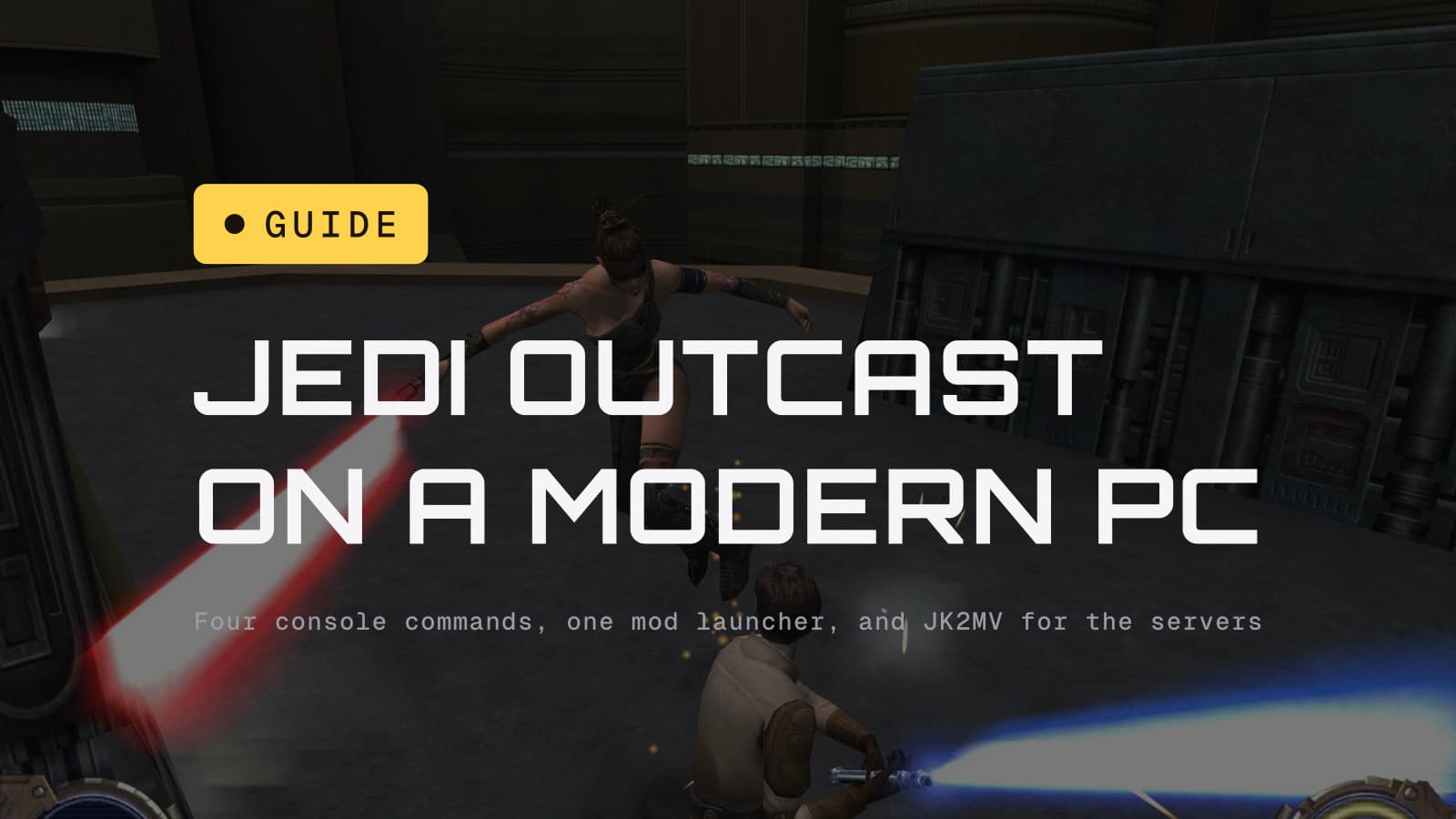
Buy Jedi Outcast for $9.99 on GOG or Steam, open the console and type four commands, and the best lightsaber game of the 2000s runs at your monitor's native resolution on Windows 11. If you want it to look like a game made this decade, add the free Remastered mod and launch it through that instead. If you want to fight people, install JK2MV, which is where the game's multiplayer has lived for years. All three routes are below.
Jedi Knight II is where lightsaber combat first felt like something you controlled rather than watched: three stances, saber throw, force pull into a swing, and duels with the Reborn that people still pick apart frame by frame. We ranked it eleventh of every Star Wars game ever made and sixth of the 2000s. It is also a 2002 game running an OpenGL engine from 1999, so out of the box it starts in a 4:3 window the size of a postcard and its cutscenes crop everyone's heads off on a 16:9 screen. None of that takes long to fix.
What you are actually buying
Steam and GOG both sell the same thing for $9.99: the 1.04 patch of the Windows game, single-player and multiplayer executables, 24 missions. GOG's copy is DRM-free and comes with the manual, and its store page says its multiplayer is LAN only, which is true of the stock client on both stores in practice, because the original master server is long gone. Aspyr's 2019 ports to Switch and PS4 are also $9.99, have modern controls and gyro aiming on Switch, and dropped multiplayer entirely. The PC version with the mods below is the best version of this game that exists.
Route one: the stock game, fixed in four commands
Launch the single-player game from Steam or GOG. It will open at 640x480 or thereabouts. Open the console with Shift and the tilde key (the one under Escape) and type these, pressing Enter after each, with your own monitor's numbers:
r_customWidth 2560
r_customHeight 1440
r_mode -1
vid_restart
The first two set the size, r_mode -1 tells the engine to use the custom
size instead of its 2002 preset list, and vid_restart applies it. The
settings save to jk2config.cfg in the game's GameData/base folder, so
you do this once. If the game will not start at all, the two things that fix
it for most people on Windows 10 and 11 are verifying the game files in
Steam and setting jk2sp.exe to run in Windows XP compatibility mode; the
failure is nearly always the launcher, not the game.
That gets you a sharp, fast, correct-looking Jedi Outcast in about a minute. Two things it does not fix: the field of view stays tuned for 4:3, so the world looks slightly zoomed in, and the cutscenes were framed for 4:3 cameras, so wide screens crop the top of the shot. The stock engine cannot fix the second one. The next route can.
Route two: the Remastered mod, and the launcher that comes with it
The mod is called Star Wars Jedi Knight II: Jedi Outcast Remastered, by Kuzja80, on Nexus Mods since October 2021. It is a 5.5 GB download that replaces every texture in the game with an AI-upscaled 4K version, fixes the shadow maps, restores the EAX audio effects Windows lost years ago, restores dismemberment for every enemy type, adds a field-of-view setting and 4K resolution support, and ships with its own launcher, which you use instead of the Steam or GOG shortcut. The one quirk its author flags: dismemberment and cheats only work from the second launch or after loading a save.
The textures are the part people notice and the part that ages worst; AI upscales can look waxy on faces, and this one does in places. The shadow, audio and resolution fixes are the part that matters, and they are why this is our recommended way to play the campaign. If you would rather keep the original art, the JK II FX mod on JKHub reworks only the effects (saber glow, blaster bolts, explosions) and leaves the textures alone.
If you are already running a modern engine, one more command fixes the cutscene framing:
cg_fovAspectAdjust 1
That widens the camera's field of view to match your screen instead of cropping it, and it is the difference between a cutscene and a cutscene of foreheads. It works in the modern clients (OpenJK, JK2MV) rather than the 2002 executable.
A note on OpenJK
OpenJK is the community engine that keeps Jedi Academy running on modern hardware, and its builds include a Jedi Outcast single-player executable. The project's own README is candid about it: Academy single-player and multiplayer are stable, Outcast single-player "needs attention," and Outcast multiplayer is not supported at all, with users pointed to JK2MV instead. Our advice matches theirs. For the Outcast campaign use the stock game with the four commands, or the Remastered launcher; for Outcast online use JK2MV. OpenJK is the Jedi Academy answer, not this one.
Route three: multiplayer, which is JK2MV
Jedi Outcast's multiplayer never shut down; it just moved. JK2MV, from
jk2mv.org, is a modernized client and server that plays all three patch
versions of the game (1.02, 1.03 and 1.04, which the community treats as
three different games because the saber balance changed between them),
adds native 64-bit builds for Windows, macOS and Linux, widescreen, dynamic
saber glow, and HTTP downloads so a server can hand you the map you are
missing. Install it into the game folder, run its executable instead of
jk2mp.exe, refresh the server list and the servers are there.
How many? At 14:57 UTC this morning the JKHub master server list showed 286 servers across Outcast and Academy, 96 of them with someone on, and 120 human players plus a lot of bots. The Outcast share is about 30 servers and a couple of dozen players at a European evening. That is not a lot, and it is enough for a duel or a full-force free-for-all any night of the week, which is more than most 2002 shooters can say. Our own tracker puts the Steam version's daily peak between 27 and 45 players this week; Jedi Academy runs about three times that, largely because Movie Battles II lives there.
Steam Deck
Valve rates Jedi Outcast Unsupported, and in this case the rating is about SteamOS rather than the game: ProtonDB has it Gold on 56 reports and trending Platinum. The stock game runs; the resolution and FOV commands above are the same on Deck, typed into the console with the on-screen keyboard once. The Remastered launcher is a Windows program and is more trouble than it is worth on Deck. The rest of the catalogue on Deck.
What we would do
Buy it on GOG for the DRM-free copy, install the Remastered mod and play the
campaign through its launcher with cg_fovAspectAdjust 1 set. Push through
the first three levels: the shooter opening without a saber is the game's
worst stretch, and the moment Kyle gets his lightsaber back on Yavin the
game people remember starts. Then put JK2MV in the same folder and go and
lose a duel to someone who has been playing since 2002.
The details
- Prices, versions and platform notes are from the Steam and GOG store pages on September 19, 2026; GOG's page carries the LAN-only multiplayer note and the DRM-free line. Aspyr's ports launched September 24, 2019 at $9.99, without multiplayer.
- The resolution commands are from JKHub's console tutorial, which also
documents
r_mode -2for native fullscreen in modern clients. The cutscene fix is the community-documentedcg_fovAspectAdjustcvar. - The Remastered mod's contents, size and launcher requirement are from its Nexus Mods listing as reported by DSOGaming (October 13, 2021).
- OpenJK's support statement is from the project's README on GitHub. JK2MV's feature list is from jk2mv.org. Server counts are from the JKHub master server list at the time stated.
- Player counts are Steam's public concurrent figure, sampled every two hours by our tracker.